How to log your kilometres
There are two ways to log your kilometres throughout February for Move Your Butt for Bowel Cancer.
You can enter them manually through your dashboard, or connect a fitness app to do it automatically.
You can enter them manually through your dashboard, or connect a fitness app to do it automatically.
Option #1: Manually via your dashboard
The easiest way to get started and track your kilometres throughout the month.
To log your kms manually, follow these instructions below:
To log your kms manually, follow these instructions below:
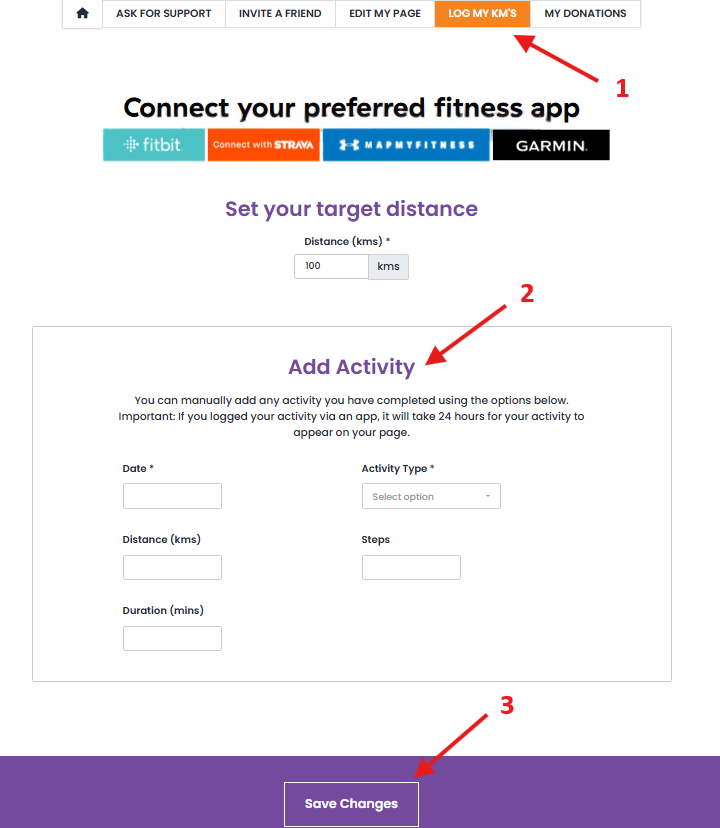
1. Login to your Move Your Butt dashboard and select 'Log my KM's'
2. Under 'Add Activity', enter the date and distance.
3. Click 'Save' and your KMs will appear on your fundraising page!
Option #2: Connect a Fitness App
You can connect your Strava, Fitbit, Garin or MapMyFitness app so your kilometres sync automatically to your fundraising page.
Your chosen app will sync to your fundraising page each time you log an activity.
To connect a fitness app, follow these instructions:
Your chosen app will sync to your fundraising page each time you log an activity.
To connect a fitness app, follow these instructions:
1. Login to your Move Your Butt dashboard and select 'Log my KM's'
2. Click on the app you wish to use and follow the prompts
3. Once connected, please allow up to 24 hours for activities to sync and appear on your fundraising page.
2. Click on the app you wish to use and follow the prompts
3. Once connected, please allow up to 24 hours for activities to sync and appear on your fundraising page.

Note: Please allow up to 24 hours for your activity to appear on your fundraising page.
Tracking your kilometres is how you see your progress, stay motivated, and work towards your Move Your Butt goals this February. 🍑

Join the Move Your Butt Facebook group
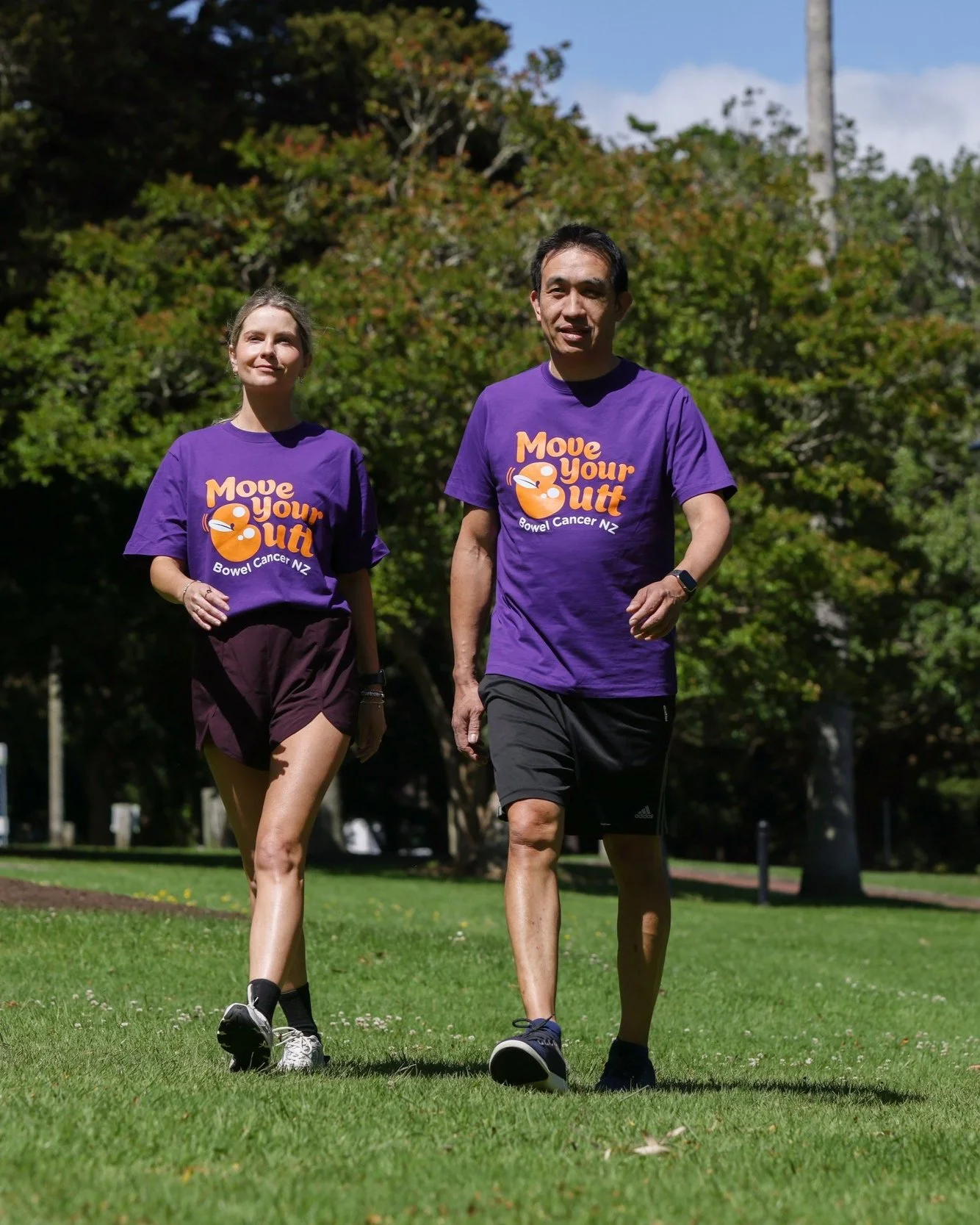
Join the private Move Your Butt Facebook group to connect with the community of amazing Kiwis taking on the challenge.
Share your progress, swap fundraising tips, cheer each other on, and have fun while making a difference together!